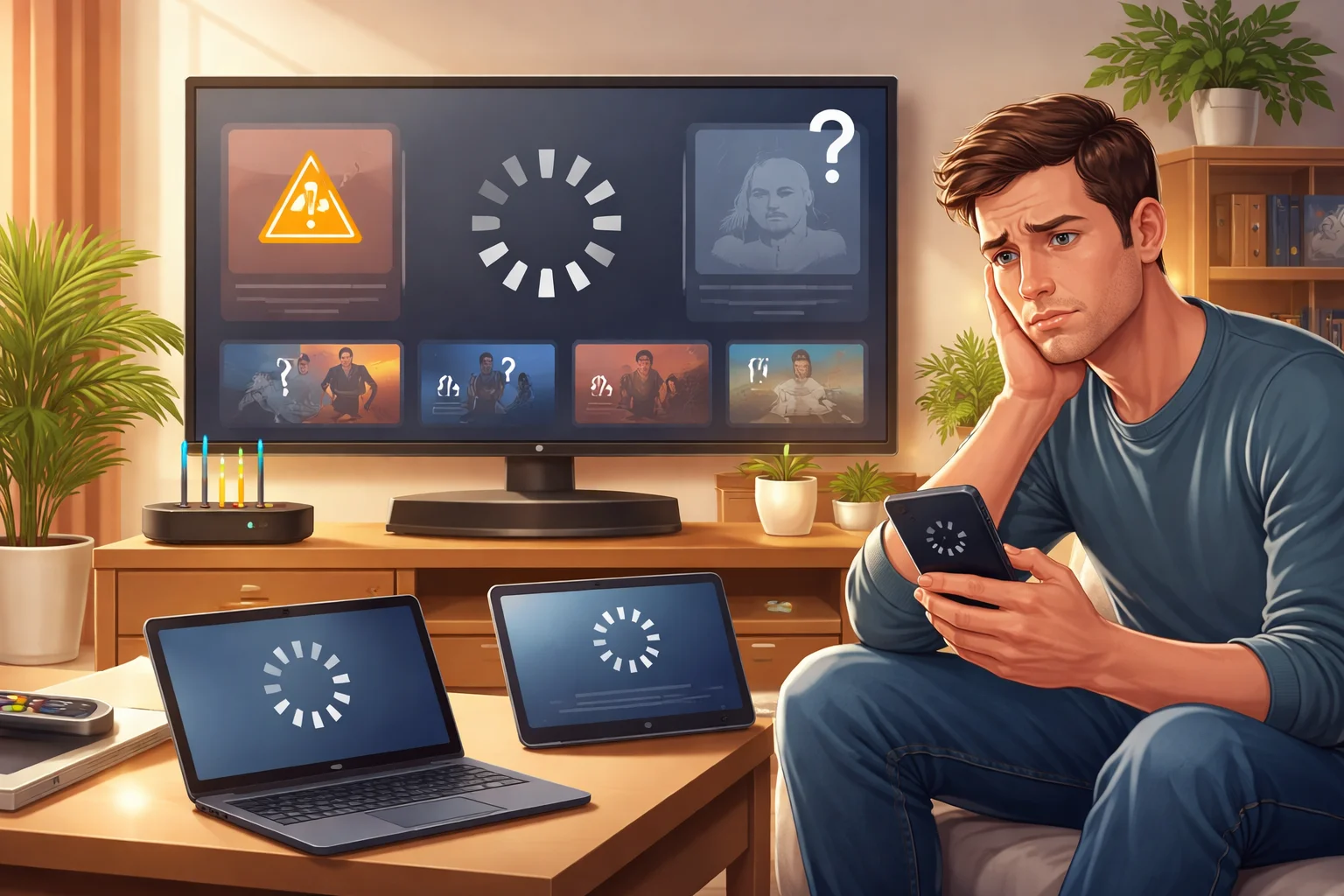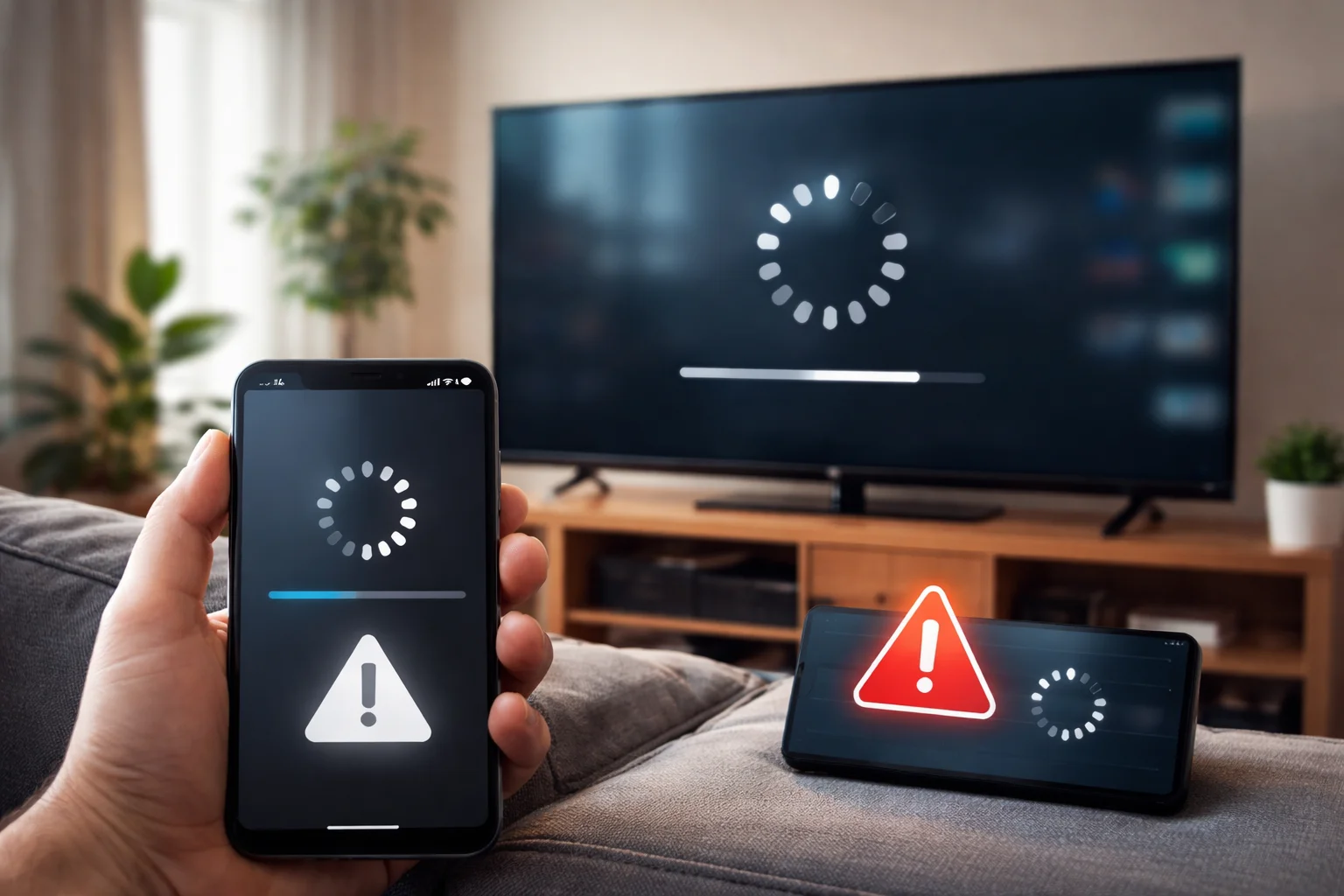
You open a streaming app expecting to relax, press play… and nothing happens.
The screen loads forever, the video won’t start, or the app suddenly crashes. It’s frustrating, especially when everything worked fine yesterday.
This article helps you understand why streaming platforms stop working, what’s usually happening behind the scenes, and what you can realistically do when it happens. No tech jargon. Just clear explanations.
Common Signs That a Streaming Platform Has Stopped Working
Before digging into causes, it helps to recognize the typical problems people face.
Endless buffering or loading screens
The video tries to load but never actually starts.
App crashes or freezes
The app closes unexpectedly or stops responding to taps and clicks.
Videos won’t play, but the app opens
You can browse titles, but playback fails.
Error messages with codes
Short error codes appear with little explanation.
These issues can look random, but they usually have clear reasons.
Internet Connection Problems (The Most Common Cause)
Most streaming issues start with the internet, even when it seems “fine.”
Slow or unstable internet
Streaming needs a steady connection, not just speed.
If your connection drops for even a second, playback can fail.
Wi-Fi interference
Walls, distance from the router, or too many connected devices can weaken the signal.
Network congestion
During evenings or weekends, many users share the same network bandwidth.
What helps: Restarting your router, moving closer to it, or switching to a wired connection often fixes the issue immediately.
See also Common issues users face on streaming platforms
App or Website Technical Issues
Sometimes the problem isn’t on your side at all.
Temporary server outages
Streaming platforms rely on large server networks.
Maintenance or unexpected outages can stop playback globally or regionally.
Bugs after updates
New app updates can introduce bugs that break playback on certain devices.
Overloaded systems
When a new show releases, servers may struggle under heavy demand.
What helps:Wait a little while, check again later, or see if others are reporting similar issues.
Device Compatibility and Performance Limits
Not all devices handle streaming equally well.
Outdated devices
Older phones, TVs, or tablets may struggle with modern video formats.
Limited memory or storage
If your device is low on space, apps may freeze or crash.
Unsupported operating systems
Some platforms stop supporting older software versions.
What helps: Restart the device, clear storage, or update the operating system if possible.
App Cache and Data Problems
Apps store temporary data to load faster, but this can backfire.
Corrupted cache files
Over time, cached data can become outdated or broken.
Login data conflicts
Account data may fail to sync properly after updates.
Repeated background activity
Apps running too long without restarting can become unstable.
What helps: Clearing the app cache or reinstalling the app often resolves these issues.
Account, Subscription, or Regional Restrictions
Playback problems aren’t always technical.
Subscription issues
Expired plans or payment failures can block content access.
Regional availability
Some content works only in certain countries or regions.
Account limits
Many platforms restrict how many devices can stream at once.
What helps: Check your account status and ensure you’re signed in correctly.
Software Updates and Compatibility Conflicts
Updates are meant to improve things, but timing matters.
App updated, device not updated
This mismatch can cause crashes or playback failures.
Device updated, app not ready
Sometimes apps lag behind new operating system releases.
Browser compatibility issues
Streaming on browsers may fail if extensions or versions conflict.
What helps: Update both the app and the device, or try a different browser.
See also How modern streaming platforms work behind the scenes
When the Problem Is Temporary (And Not Your Fault)
Some streaming failures fix themselves.
Scheduled maintenance
Platforms regularly perform updates behind the scenes.
Network routing issues
Problems between your internet provider and the platform can resolve on their own.
Content delivery delays
Certain regions may temporarily lose access to servers.
In these cases, patience is often the only solution.
How to Quickly Troubleshoot Streaming Problems
If a platform stops working, try these steps in order:
- Restart the app
- Restart your device
- Check your internet connection
- Clear app cache or browser data
- Update the app and device
- Try a different device or network
Most issues are resolved within these steps.
Frequently Asked Questions
Why does streaming work on one device but not another?
Devices differ in software, hardware, and compatibility. One may support the app better than another.
Do streaming platforms go down often?
Short outages happen, but long disruptions are rare. Most problems are local or temporary.
Is buffering always an internet issue?
Usually, yes—but device performance, app bugs, or server load can also cause it.
Final Thoughts
When streaming platforms stop working, it’s rarely random.
Internet stability, device limitations, app issues, and account settings all play a role.
Understanding these causes helps you stay calm, troubleshoot faster, and know when the issue is out of your control. Most problems are temporary, fixable, and not a sign that something is permanently broken.
The next time playback fails, you’ll know where to look—and what to try—before giving up.