If you’ve heard about Voddler and are thinking of trying it, the first questions usually sound very practical:
- Will it work on my device?
- Is it available in my country?
- Do I need special hardware or settings?
This guide is written to clear up that confusion. It explains, in plain language, which devices Voddler supports, which regions it’s designed for, and what limitations real users should be aware of before they invest time setting it up.
What kind of platform is Voddler built for?
Voddler was designed as an online video streaming service rather than a traditional TV channel or cable-style platform. That design choice affects both device compatibility and regional access.
See also What the Voddler platform is and how it works
Instead of relying on proprietary boxes or locked ecosystems, the platform focuses on internet-based playback. This generally means broader flexibility, but also some clear boundaries.
Which devices are supported?
Desktop and laptop computers
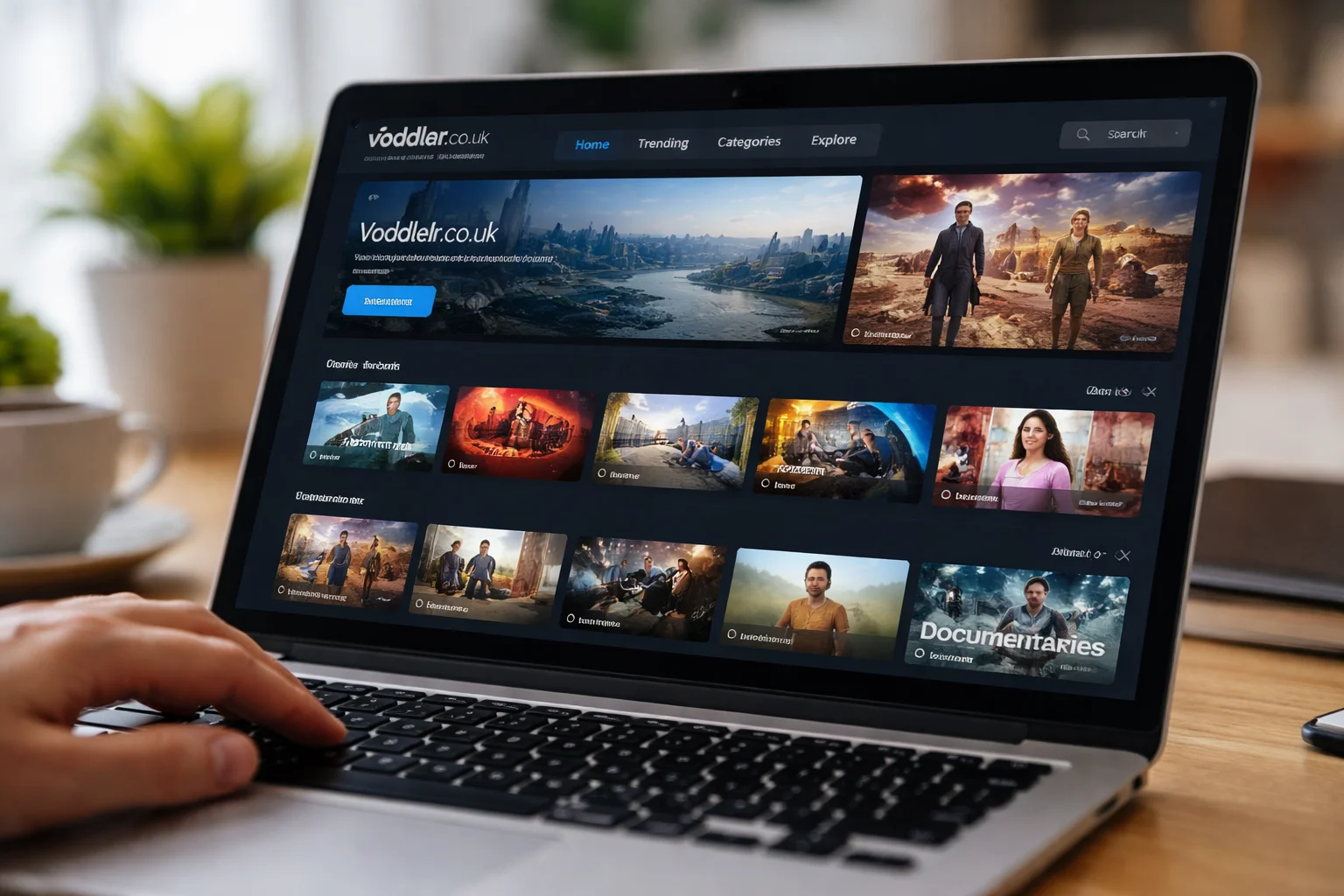
The most reliable way to access Voddler has traditionally been through desktop or laptop computers.
It is designed to work on:
- Windows-based PCs
- macOS computers
Playback usually happens through a web browser or a lightweight desktop application, depending on the version available at the time. For most users, this is the smoothest and most stable experience.
Mobile phones and tablets
Mobile support has historically been more limited than desktop support.
In general:
- Smartphones and tablets may work through mobile browsers
- Dedicated mobile apps are not always available or consistently maintained
Because of this, mobile access can feel less polished. It may work for casual viewing, but it’s not always ideal for long sessions.
Smart TVs and streaming boxes
Direct support for smart TVs, game consoles, or streaming boxes (such as Roku or Apple TV) is usually limited or unavailable.
That means:
- No native TV apps in most cases
- Screen casting or HDMI connections are often used as workarounds
If your main goal is watching directly on a TV without extra steps, this is something to consider carefully.
Why some devices are not supported
Focus on browser-based streaming
Voddler’s architecture leans toward browser-based delivery. This makes development simpler but reduces compatibility with closed ecosystems like smart TVs and consoles.
Licensing and technical constraints
Some devices require strict content protection systems. Supporting those platforms can involve complex licensing agreements, which not all services choose to pursue.
As a result, device support is often a business and legal decision, not just a technical one.
Which regions is Voddler available in?
Primary supported regions
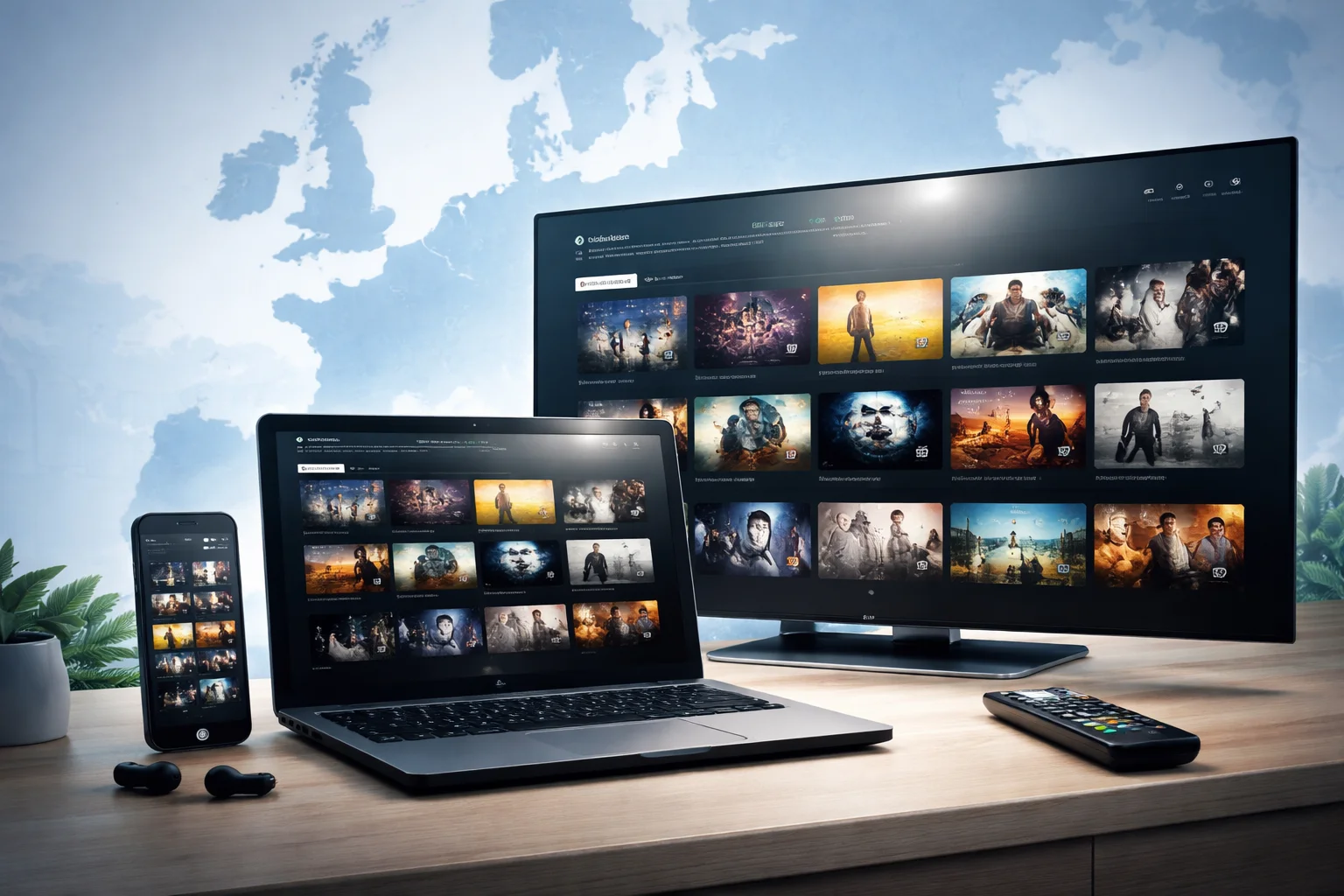
Voddler has traditionally focused on specific European regions, particularly:
- Northern Europe
- Selected EU countries
Availability can vary based on licensing agreements, which are often negotiated country by country.
Regions with limited or no access
Users outside the supported regions may find that:
- Registration is restricted
- Content libraries are unavailable
- Playback is blocked entirely
This is common for streaming platforms that rely on regional distribution rights.
Why regional limits exist
Streaming rights are usually sold by territory. Even if the technology works globally, legal permissions often do not.
This means regional access is less about user demand and more about contractual boundaries.
Can regional restrictions change over time?
Yes, but usually slowly.
Regions may be added or removed as licensing deals are updated. However, changes tend to happen quietly and without public timelines. If you’re outside the supported areas, it’s best to assume access will remain limited unless officially announced otherwise.
See also Whether the platform is free or paid to use
What users should realistically expect
A desktop-first experience
If you plan to use Voddler, expect the best experience on a computer rather than a TV or mobile device.
Regional availability matters more than device choice
Even with the right device, regional access determines whether the service works at all. This should be checked before worrying about hardware compatibility.
Not designed as a “plug-and-play” TV replacement
Voddler works best for users who are comfortable watching content on computers or using basic workarounds for larger screens.
FAQ
Can I watch Voddler on my smart TV?
Direct smart TV support is usually not available. Most users connect a computer to their TV if they want a bigger screen.
Does Voddler work outside Europe?
Access is generally limited to specific European regions due to licensing restrictions. Availability outside those areas is often blocked.
Is mobile streaming reliable?
Mobile access may work through browsers, but it’s typically less stable and less optimized than desktop use.
Final thoughts
Understanding supported devices and regions helps avoid frustration later. Voddler is best suited for users in supported European regions who are comfortable watching on a computer and don’t expect full smart TV or mobile app integration.
If you approach it with those expectations, Voddler makes sense as a niche streaming option rather than a universal, all-device platform. Knowing its limits upfront allows you to decide calmly whether it fits your viewing habits—without surprises.