You want to watch a movie or series, but you pause before clicking “play.”
Is this site safe? Will it spam you with ads, steal your data, or infect your device?
If you’ve ever felt unsure about a streaming platform, you’re not alone. With hundreds of legal, semi-legal, and outright risky sites online, it’s not always obvious which ones you can trust. This guide will help you clearly understand how to tell safe streaming platforms apart from unsafe ones—using simple signs anyone can spot.
Why Streaming Safety Matters More Than People Realize
Streaming is no longer just about entertainment.
It’s about privacy, device security, and digital trust.
Unsafe platforms don’t just deliver low-quality videos. They often:
- Track users aggressively
- Push harmful ads or pop-ups
- Redirect to scam pages
- Expose devices to malware
Knowing how to spot red flags protects more than your screen—it protects your data and peace of mind.
What Makes a Streaming Platform “Safe”?
A safe streaming platform behaves predictably, transparently, and responsibly.
Clear Ownership and Platform Identity
Safe platforms usually make it easy to find:
- Who runs the service
- Where the company is based
- How to contact support
You don’t need to dig through hidden pages. Legitimate services are not afraid of being known.
Secure Website Connection
A basic but important sign is a secure connection:
- The site uses HTTPS
- Your browser does not warn you about security risks
While HTTPS alone doesn’t guarantee safety, the absence of it is a strong warning sign.
Reasonable Ad Behavior
Ads can exist on safe platforms, but they are:
- Clearly separated from content
- Not aggressive or deceptive
- Not forcing downloads or redirects
If closing one ad opens three more, something isn’t right.
Common Warning Signs of Unsafe Streaming Platforms
Unsafe platforms tend to follow patterns. Once you know them, they’re hard to miss.
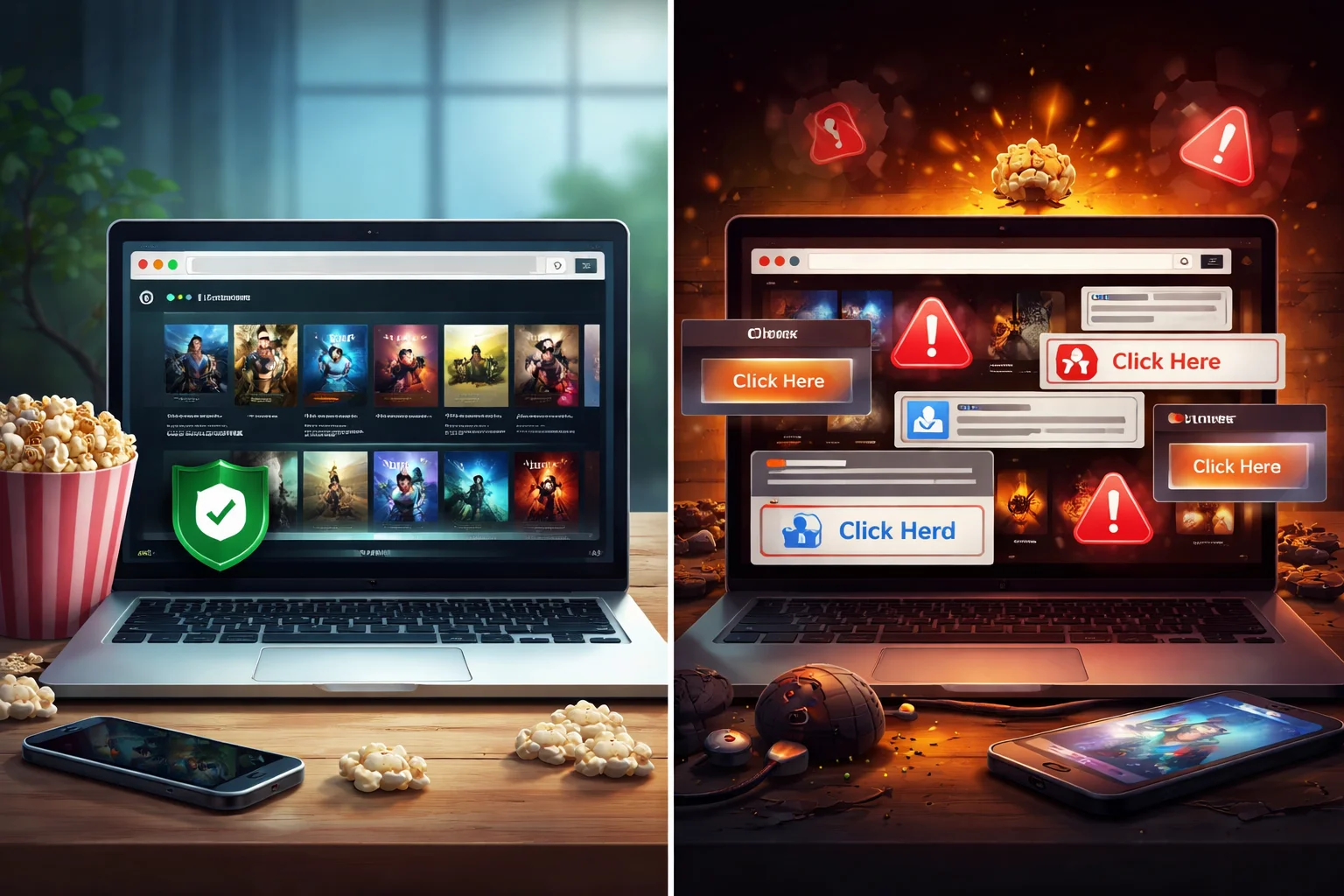
Aggressive Pop-Ups and Forced Clicks
If a platform:
- Opens new tabs automatically
- Forces you to click “Allow” for notifications
- Blocks playback unless you click ads
It’s prioritizing ad traps over user safety.
Requests for Unnecessary Permissions
Streaming sites should not need:
- Access to your contacts
- Push notification permissions by default
- Software installations to play a video
These requests are often used to deliver spam or malicious content later.
Poor Design and Broken Navigation
Unsafe platforms often look unfinished or chaotic:
- Fake play buttons
- Misleading download icons
- Broken links
This confusion is intentional. It increases accidental clicks.
How Content Availability Can Signal Risk
Sometimes the content itself tells you whether a platform is safe.
“Everything Is Free” Claims
When a site offers:
- New releases instantly
- Premium content without accounts
- No clear explanation of how it operates
It’s reasonable to question how the platform sustains itself.
Safe platforms usually explain their model—ads, subscriptions, rentals, or partnerships.
Missing Content Details
Trustworthy platforms provide:
- Episode descriptions
- Release dates
- Basic metadata
Unsafe platforms often just dump video files without context or structure.
Understanding Legal and Ethical Signals
You don’t need legal expertise to notice ethical behavior.
See also How online movie streaming is treated legally
Transparent Policies
Safe platforms publish:
- Privacy policies
- Terms of use
- Clear disclaimers
If policies exist but are copied, broken, or unreadable, that’s a concern.
Respect for User Experience
Platforms built for long-term users tend to:
- Load consistently
- Remember preferences
- Avoid tricking users
Unsafe platforms focus on short-term traffic, not long-term trust.
How Your Device Reacts Is a Clue
Pay attention to what happens when you visit a streaming site.
Browser Warnings Matter
If your browser warns you about:
- Deceptive sites
- Dangerous downloads
- Suspicious redirects
Don’t ignore it. These warnings are based on real behavior patterns.
Sudden Performance Issues
After visiting an unsafe platform, users sometimes notice:
- Slower browser performance
- Unexpected extensions
- New tabs opening later
These are signs the site did more than stream a video.
How to Make Safer Streaming Choices Long-Term
Avoiding unsafe platforms isn’t about memorizing site names. It’s about habits.
See also Whether a specific platform like Voddler.co.uk is legal and safe to use
Stick to Platforms With a Clear Reputation
Platforms that:
- Are reviewed by users
- Have consistent uptime
- Appear in reputable discussions
Tend to care more about safety and accountability.
Use Basic Digital Hygiene
Simple steps make a big difference:
- Keep browsers updated
- Avoid clicking suspicious buttons
- Close sites that behave strangely
You don’t need advanced tools—just awareness.
FAQ: Common Questions About Streaming Safety
Is a free streaming site always unsafe?
No. Some free platforms operate legally using ads. The key is how they behave, not whether they charge money.
Are pop-ups always a sign of danger?
Not always, but excessive or deceptive pop-ups are a strong warning sign, especially if they trigger redirects or downloads.
Can a site look professional and still be unsafe?
Yes. Some unsafe platforms mimic clean designs. That’s why behavior—permissions, redirects, transparency—matters more than appearance.
Final Thoughts: Trust Your Signals, Not Just the Content
Safe streaming platforms feel calm, predictable, and respectful.
Unsafe ones feel rushed, noisy, and demanding.
When something feels off—too many ads, strange permissions, unclear ownership—it usually is. Learning to identify these signals helps you stream confidently without constant worry.
In the end, the safest choice is not the platform with the most content, but the one that treats you—and your device—with care.